Google · Nov 3, 2026 · 4 min read
Google Business Profile with no shop address: what to do
Remove your address from the profile and enter only a service area, which Google says is the right setup when customers never visit you.
By the Root team
Short answer
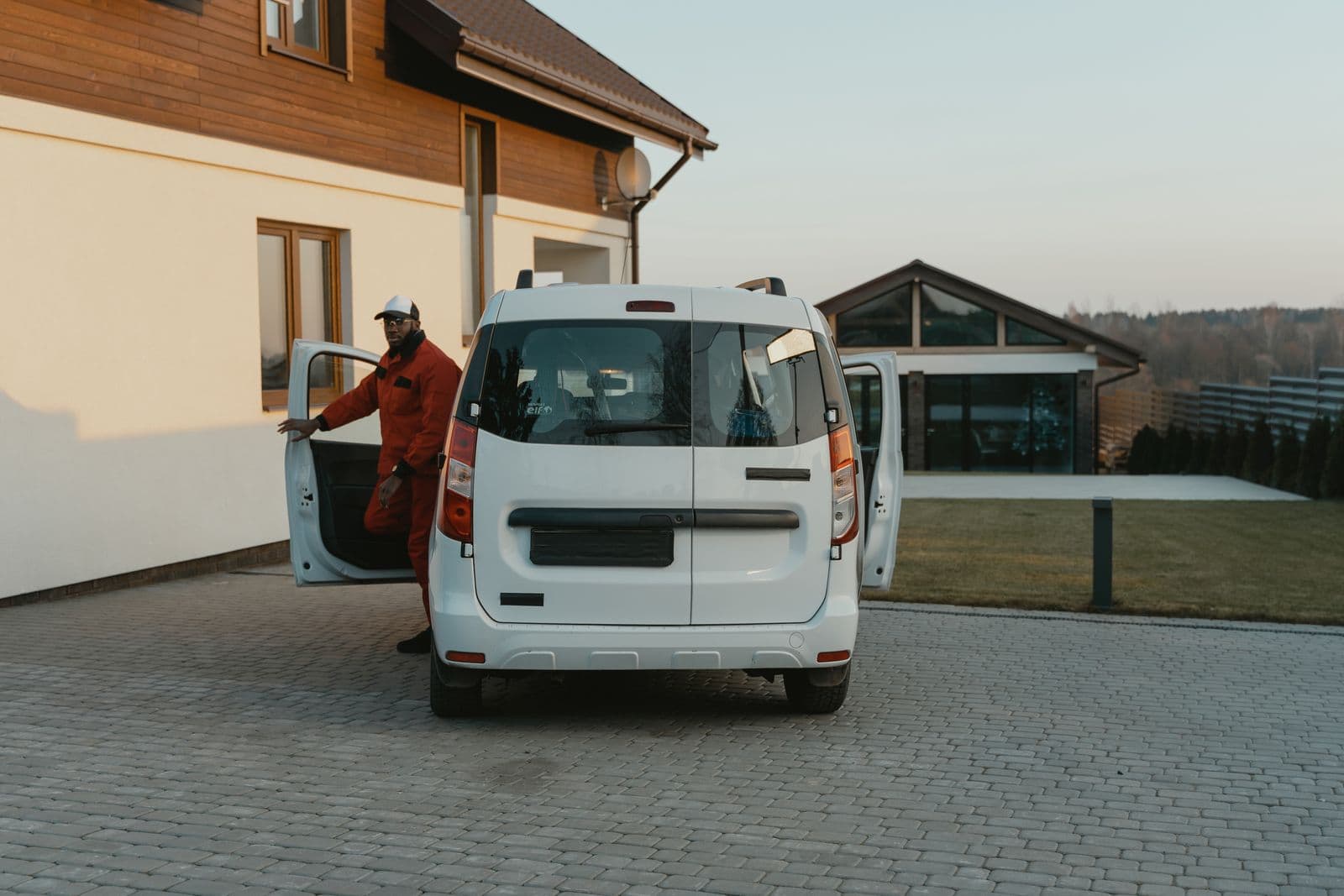
You can run a Google Business Profile with no shop address by removing the address and entering only a service area. Google calls this a service-area business, meaning one that visits or delivers to customers and does not serve them at its own address. This applies to any trade owner who works from a truck, a home office or a yard that customers never visit.
If you searched for a google business profile without a physical address, you most likely hit a setup screen that asks for a street and will not let you skip it. This post shows how to get past that and what Google allows.
Why Google asks for an address
Google builds a profile around a place. The setup flow starts with a street address because most businesses it lists are shops with doors.
Google's help page says a service-area business that does not serve customers at its address should remove the address and enter only a service area. The address field is a default, not a requirement for trades. A business with no storefront has nothing to put there, and Google's own page tells it to leave the field empty.
Check that your business qualifies
Google defines a service-area business as one that visits or delivers to customers directly but does not serve customers at its business address. Plumbers, HVAC crews, electricians, roofers and landscapers usually fit.
Google's guidelines add two limits. A service-area business gets one profile for the whole area it serves. Customers must not be sent to a rented mailing address where you do not actually work.
Rule of thumb
If no customer ever walks into your building, remove the address and list a service area. If not, show the address and add a service area on top of it, and make sure the location is staffed during the hours you post.
How to remove the address from an existing profile
These steps follow Google's help page on service areas. Menu labels shift now and then, so match the closest wording on your screen.
- 1Go to your Business Profile and select Edit profile.
- 2Select Location.
- 3Open the business location setting and select Edit.
- 4Remove the address, or turn off the option that shows it to customers.
- 5Select Save.
How to set the service area that goes in its place
Google says approved service area edits can take up to 48 hours to appear. Set your own area right away so Google does not guess one.
- 1Go back to Edit profile, then Location.
- 2Next to Service area, select Edit.
- 3Choose a suggested area or type in your own towns or postal codes.
- 4Remove any town your crew does not drive to.
- 5Select Save.
Google lets you set up to 20 service areas. Its guidelines say a service area should not reach much beyond about two hours of driving from your business base, though larger areas may be allowed for some businesses.
Wording for your business description
Your description is public, so it is the place to say that you come to the customer. Paste this wording and swap in your own details.
Copy and use
We come to you. Our crew serves homes and businesses in [Town], [Town] and the surrounding area.
Call or text [phone number] to book a visit.
We do not have a showroom. All work is done at your property.
Keep the towns in the description matching the service area you saved. Leave out any street name, and read your recent posts for one as well. A home street in a post puts the address back in public.
Addresses Google will not accept
Some owners try to fill the address box with a stand-in. Google's guidelines close these off.
- A P.O. box or a mailbox at a remote location is not acceptable.
- A rented mailing address where the business does not operate is not eligible.
- A virtual office is not allowed for a service-area business unless that office is staffed during business hours.
Google lists these as ineligible, so a stand-in address leaves you with a profile that does not meet its guidelines. Removing the address is the clean fix, and it keeps your home street off the map.
What this will not fix
These are the limits of a profile with no address.
- It will not remove your address from other websites that copied it before you changed it.
- It will not move you up in map results. It only changes what customers see.
- It will not make a mailbox or a rented virtual office eligible.
- It will not let you open a second profile for each town you serve.
Common questions
Can I run a Google Business Profile with no address at all?
Yes, if you are a service-area business. Google's help page says to remove your address and enter only your service area when you do not serve customers at your address.
Will Google still verify me if I hide the address?
Verification is a separate step from the address setting. Follow the prompts on your own profile and do not use a stand-in address to get around them.
Can I use a P.O. box instead?
No. Google's guidelines say P.O. boxes and mailboxes at remote locations are not acceptable.
Can I list the whole state as my service area?
Google sets a limit of 20 service areas and says an area should not reach much beyond about two hours of driving from your base. List the towns your crew really serves.
Root's free check looks at this on your own business.
Want to see where your business stands?
The free check looks at your website, Google listing and reviews, and gives the fix for each problem it finds.
Get my free report